Controlled data
Use product, batch, order, pallet or customer data from source systems.
Printing labels from an ERP or WMS reduces manual typing and helps ensure every label uses the correct product or order data.
Print labels from ERP, WMS or database systems using automatic print and apply labellers for cases, cartons and pallets. Lancing UK can help match the print engine, applicator type, label position and data handling to your production line.
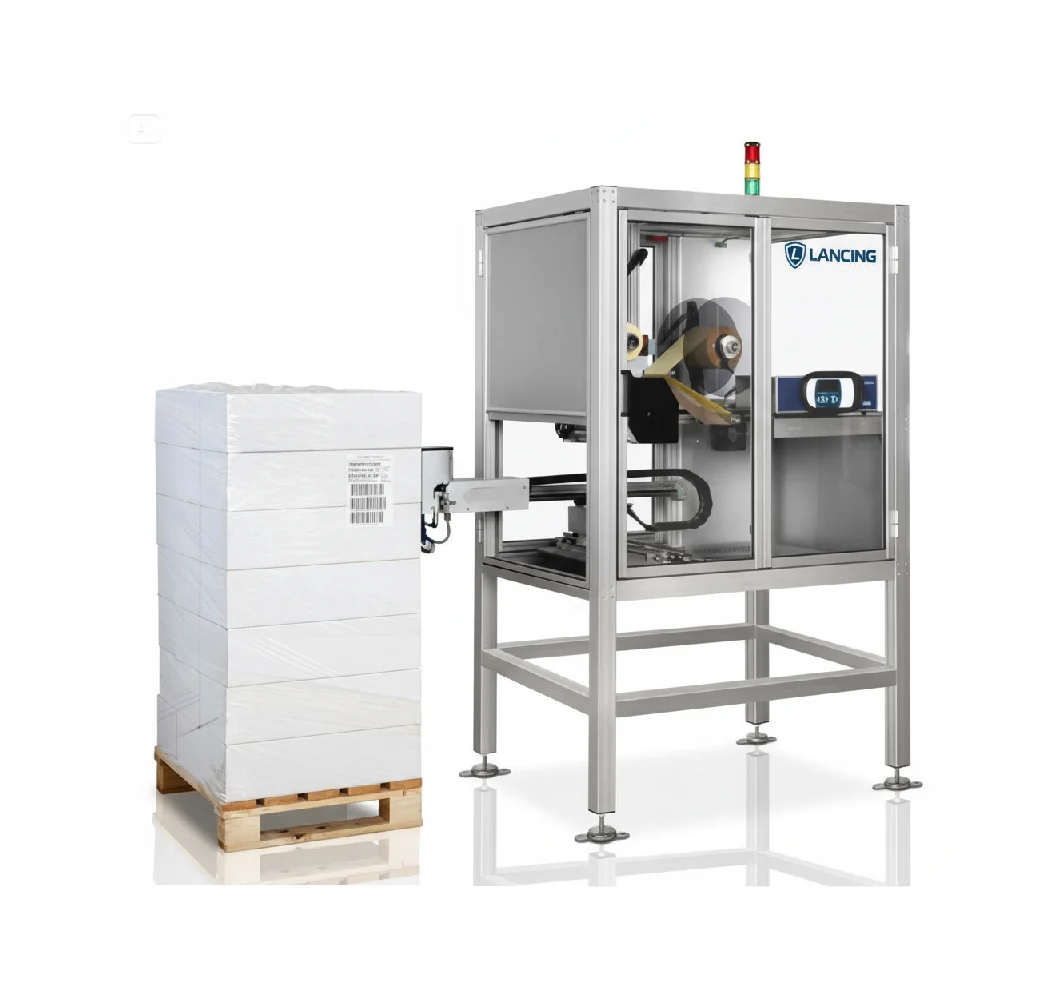
Use these points to compare machinery options before requesting a quotation.
Use product, batch, order, pallet or customer data from source systems.
Map data fields to barcode, text and variable label areas.
Avoid manual re-entry of product and destination information.
Decide when a label is printed and when application is confirmed.
Plan manual recovery if data is missing.
Confirm whether connection is direct, CSV, scanner, PLC or middleware.
The more practical detail you provide, the easier it is to identify the correct print and apply configuration without unnecessary back-and-forth.
These pages help connect this requirement to nearby print and apply topics.
Common questions buyers ask when comparing print and apply labelling machines.
Yes, if the pack shape, label size, data source, throughput and application position are confirmed before specification.
Yes. Print and apply labellers are commonly specified for barcode, QR, batch, date, SSCC, lot, serial and destination data.
Systems can be configured with sensors, HMI controls, stands, conveyors, PLC I/O and database or ERP data links where required.
Send the label artwork or size, pack dimensions, line speed, application position, barcode format and photographs or video of the existing line.